Client Proofing & Delivery
Google Drive vs a Proper Client Gallery: What Photographers Lose
Is Google Drive enough, or do you need a proper client gallery for photographers? Compare protection, selection, branding and tracking side by side.
PixoProof Team4 min read
Google Drive is a fine place to store files, but it's not a client gallery for photographers. When you send proofs as a Drive folder, you give up control over downloads, lose a clean way for clients to choose images, and get almost no insight into what's happening. It works, until it really doesn't.
Why so many photographers start with Drive
Drive is free, familiar and already open in a browser tab. Clients know how to use it. You can drag in a folder of JPEGs and send a link in under a minute.
For delivering final files to a client who has already paid, that convenience is hard to argue with. The trouble starts when Drive is used for proofing, where the client still needs to choose, and you still need to get paid.
What photographers lose with Drive
Control over downloads
Anyone with a shared Drive link can usually view, and often download, every file at full size. You can restrict downloading for viewers, but the files still display at a quality that screenshots well.
If proofs are watermarked, you've added an export step. If they aren't, your unpaid work is sitting in a folder that's very easy to save.
A real selection process
Drive has no concept of "favourites" or "my shortlist". Clients end up sending selections in a mix of ways:
File names typed into an email, with half of them wrong
Screenshots of thumbnails sent over text
Comments scattered across individual files
A voice note saying "the one where the baby's yawning"
Then you spend an evening matching all of that back to your Lightroom catalogue. Fun for nobody.
Your brand
A Drive folder looks like a Drive folder. Your logo, colours and the care you put into the shoot disappear the moment the client opens a generic file list.
For high-touch work like newborn, maternity or weddings, presentation is part of what clients pay for.
Visibility
Has the client opened the gallery? Did they look at it once and stall? With Drive, you're guessing. That means awkward "just checking in" follow-ups with no idea whether they're needed.
A worked example of the hidden cost
Say you shoot 100 sessions a year. Imagine each Drive-based selection takes an extra 30 minutes of back-and-forth: clarifying file names, chasing a decision, re-sending a link.
That's 50 hours a year spent on admin, before you count a single lost sale from a screenshot. Your real numbers may be higher or lower, but it's worth doing the maths for your own studio.
When Drive is still fine
Drive isn't the enemy. It's a sensible choice for:
Backing up your own files
Sharing behind-the-scenes content with a second shooter
Delivering final files to a client who has already paid, if you don't need tracking
The line is simple. If the client still needs to choose, or you still need to get paid, use something built for proofing.
What to look for in a client gallery
When you compare tools, check for:
Selection tools like favourites, lists and notes on individual photos.
Selection limits so packages stay packages.
Download controls you can change per gallery.
Watermarking without an extra export step.
Activity and analytics so you know who's stuck.
Branding that matches your website.
Honest protection claims. No tool can stop someone photographing a screen with a second device.
Where PixoProof fits
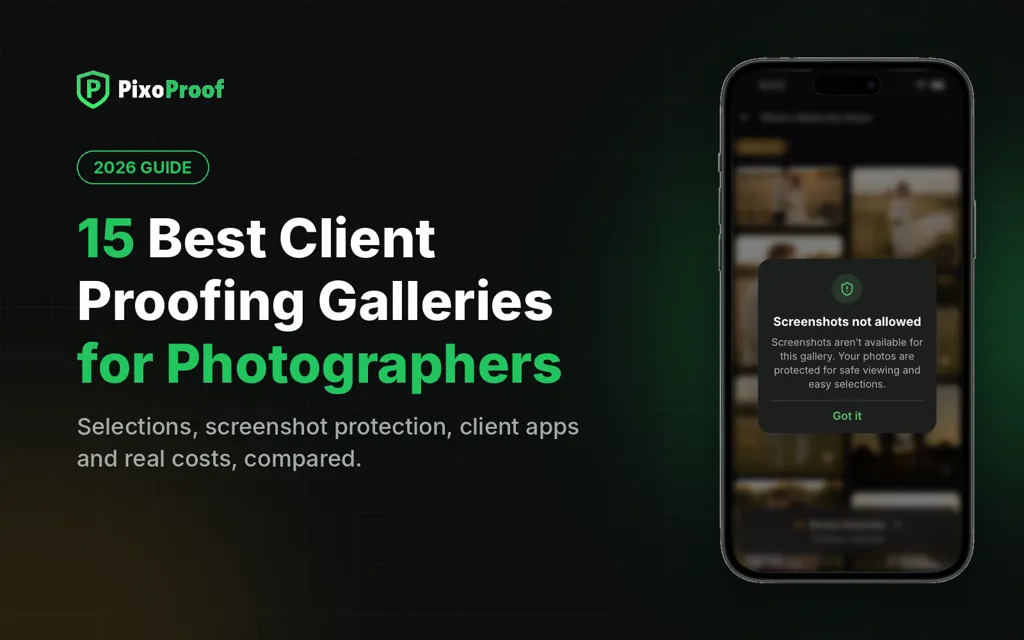
PixoProof is a secure client gallery and photo proofing platform built for photographers. Clients make selections in the mobile app for iOS and Android, where screenshots and screen recording are blocked. Every screenshot attempt is reported to your dashboard and by email.
You choose whether clients get the app only, or the app and web gallery. You also decide what they can do on the web, such as downloading. Photo Sets group images into tabs like Studio, Golden Hour and Details.
Clients heart favourites, build named lists and leave notes. Selections arrive ready for Lightroom: copy the file names or download the list. A live activity feed and funnel show exactly where clients stall. Galleries carry your Brand Accent Colour, not a generic file list.
The bottom line
Drive is great storage. It's just not a sales or selection tool. Keep it for backups, and give your clients a gallery that protects your work and makes choosing easy.
Start free at pixoproof.com. Your Photos. Your Rules.