Opening Your Gallery
When your photographer shares a gallery with you, you will receive an email containing a secure link.
- Click the Open Your Gallery button in your email.
- You will be taken to a secure access page titled Enter gallery PIN.
- Enter the email address your invitation was sent to and your Gallery PIN. The PIN is shown in your invitation email; if your photographer sent you the link another way, they will give you the PIN too.
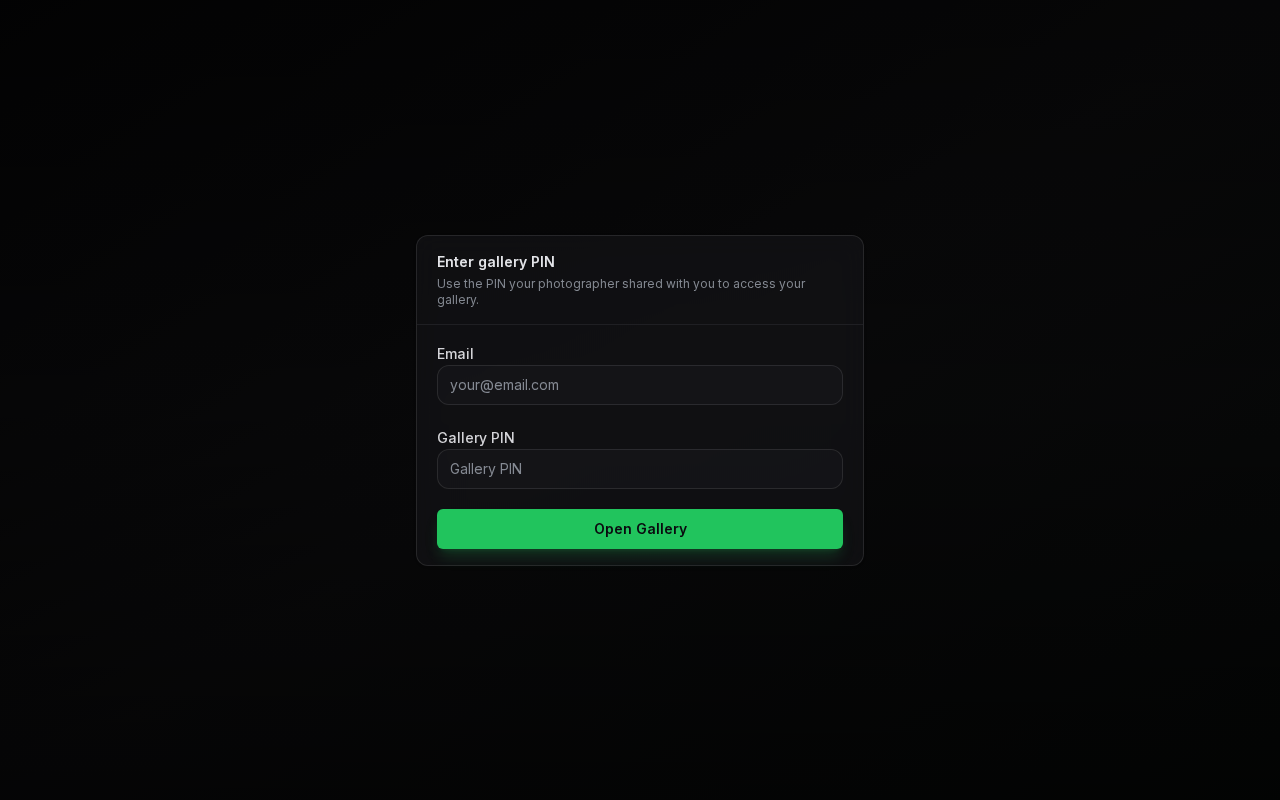
Click Open Gallery and your gallery opens automatically.
Galleries Available Only in the App
Some photographers deliver their galleries through the PixoProof mobile app only. If so, instead of the PIN form you will see Your gallery is ready with an Open Gallery in App button and links to download the app from the App Store or Google Play.
- On your phone or tablet, tap Open Gallery in App. If you don't have the app yet, install it, then tap the button again.
- On a computer, open the invitation link on your iPhone, iPad, or Android device instead.
See Client Mobile App Experience for how to use the app.