How to Open a Gallery
PixoProof Academy: How PixoProof Client Gallery Links Work (Link, PIN & App-Only Access)
Welcome to your gallery! Follow these steps to view your photos.
Steps
- Open the invitation email you received from your photographer.
- Click the Open Your Gallery button in the email.
- This will securely open the gallery access page in your web browser.
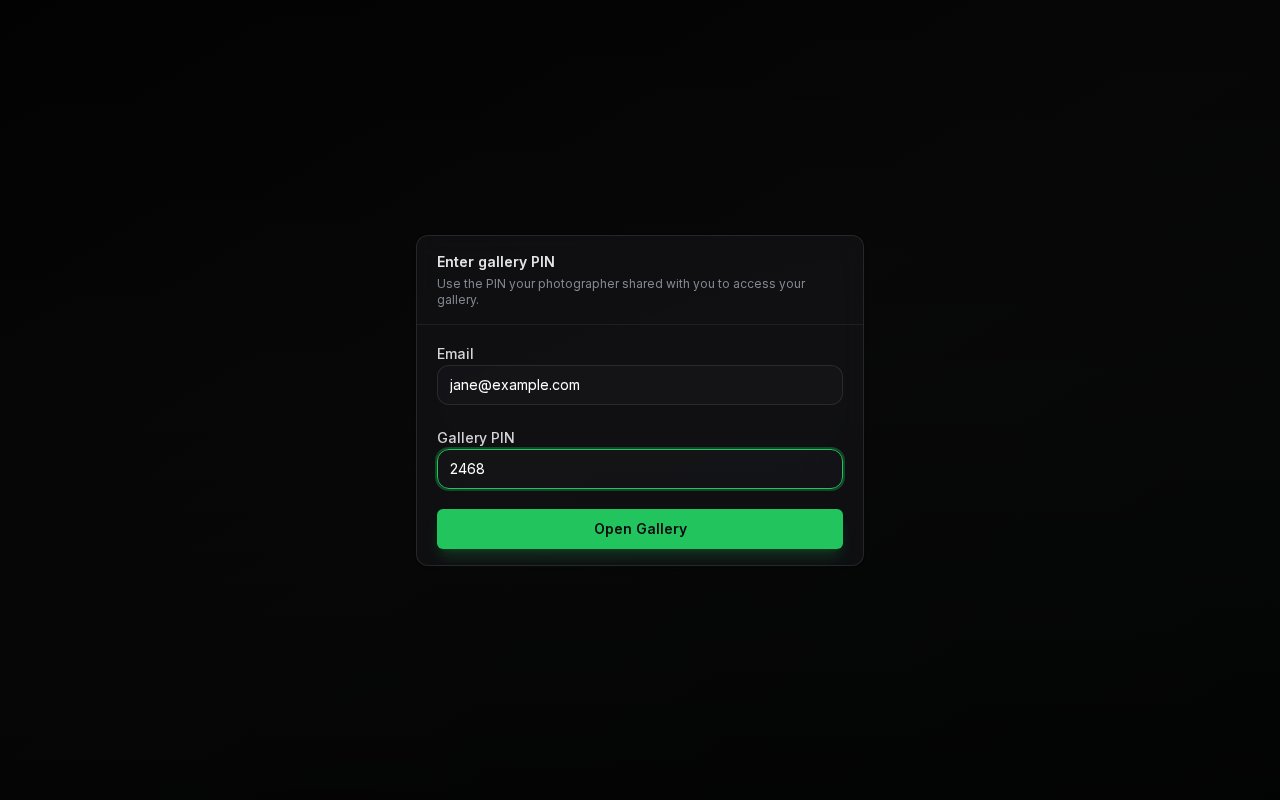
- On the Enter gallery PIN screen, type the email address your invitation was sent to and the Gallery PIN shown in the invitation.
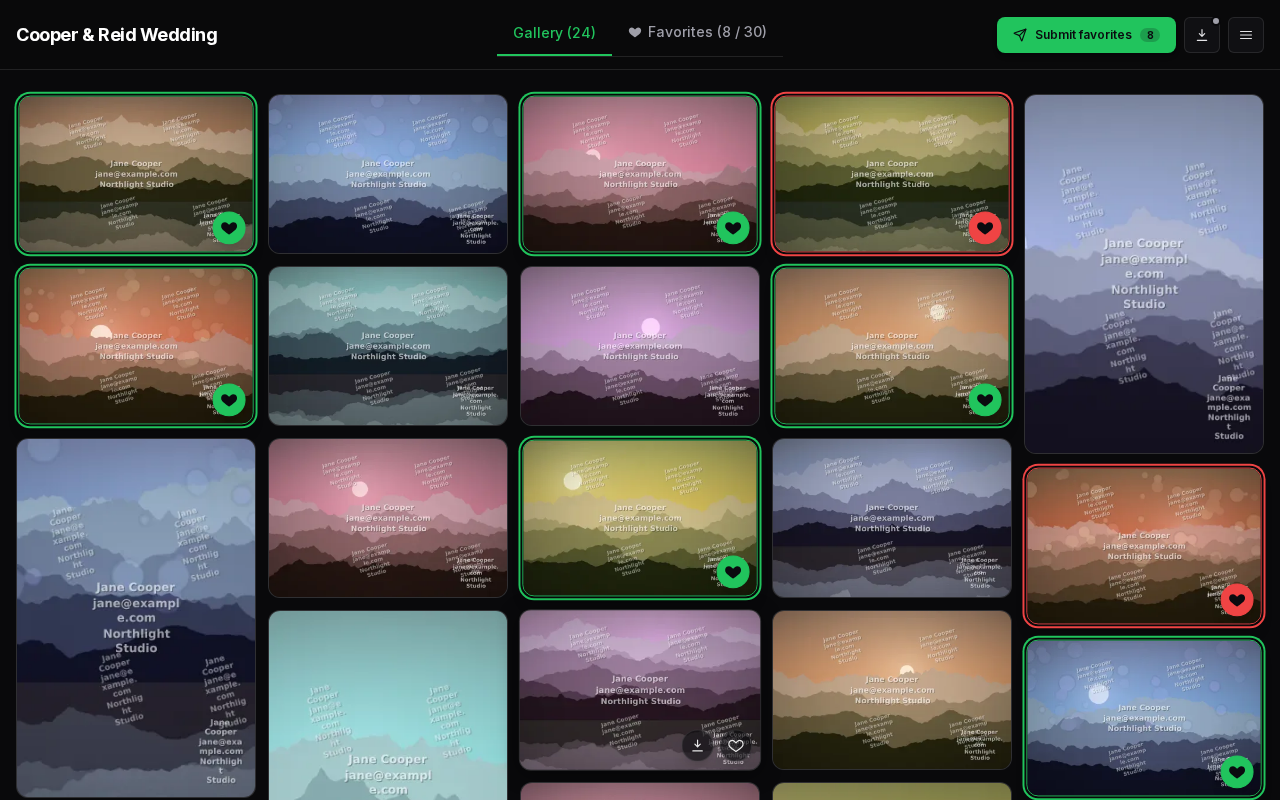
- Click Open Gallery. Your gallery opens on its cover photo; click View Album to see your photos.
Next Steps
- Find your way around with Viewing Your Gallery.
- Having trouble? See Troubleshooting Access.